Photo Book Page Ideas: Create Stunning Displays
Key Takeaways
- Learn a simple framework to plan consistent layouts and organize your photo book from cover to captions;
- Get photo book page ideas by theme, including travel, family, weddings, pets, and year‑in‑review;
- Use quick prompts and caption tips to add context without cluttering your pages;
- Turn favorite spreads into a gallery wall with Mixtiles adhesive, repositionable frames. No nails, no stress.
There is nothing worse than staring at a blank spread with hundreds of photos. This guide removes the guesswork with easy, repeatable photo book page ideas that look polished without design skills. You will get layout formulas, caption prompts, and theme‑based inspiration you can mix and match. Plus, you will see how to extend your favorite pages into a beautiful, damage‑free gallery wall using Mixtiles adhesive, repositionable frames, so your best moments live on your shelves and your walls.
Ready to turn camera-roll chaos into cherished keepsakes? Start creating beautiful photo books for every occasion. Whether it's a travel photo book from your latest adventure or a gift for a loved one, our app makes it simple.
What makes a great photo book page?
A great page balances one hero image with supportive details, keeps typography and margins consistent, and repeats a small set of layouts so your stories feel cohesive from cover to cover.
Keep it clean and consistent
Use these simple rules to make every page feel intentional:
- Pick one visual hierarchy per spread, a hero photo supported by smaller images;
- Keep margins, fonts, and caption placement consistent across the book;
- Repeat a handful of layouts to create rhythm and reduce design time.
Choose the right layout for the shot
Reserve full‑bleed pages for immersive heroes like landscapes or portraits. Use tidy 4 or 6 image grids to group related details or outtakes. For storytelling sequences, lean on duo or trio layouts to show before and after, or A, B, C moments that connect.
How should you plan your photo book layout before you start?
Decide your story arc, gather only the best photos, then stick to 3 to 5 layout templates so the whole album looks like one thoughtful design.
Pick a theme and story arc
Choose a simple structure that fits your photos. Chronological works well for a travel photo book, a baby album, or a renovation story. Thematic pages let you group food, people, and places. Milestone arcs highlight vows, a first look, a graduation, or a move into a new home.
If you are celebrating a senior, get layout prompts and wording inspo in our graduation photo book ideas.
Build a simple layout toolkit
Select 3 to 5 templates you will reuse, for example full‑bleed, duo, a 4‑square grid, a 6‑grid with captions, and one text plus image page. Decide on captions, short labels or one to two sentence stories. Keep backgrounds neutral, then add one accent color for section dividers or a coffee table title page. If you make a Mixtiles Photo Book, the current one‑photo‑per‑page layout shines. Use cover text and section breaks for context while you showcase each favorite image.
Looking for photo book page ideas by theme?
Use these creative starters to speed up your book design, then adapt them to your photos and style.
Travel photo book page ideas
Try these quick wins for any trip:
- Opening map and itinerary with a short intro and a three‑photo strip;
- Food four‑square of best bites with dish names and cafe signs;
- Panoramic city or landscape mocked with four aligned images across a spread;
- Day‑in‑the‑life trio showing morning, noon, and night;
- People we met grid with micro‑captions for names and places.
For a step-by-step plan on selecting, sequencing, and captions, see how to make a travel photo book.
Family and kids photo book page ideas
Celebrate milestone moments with a full‑bleed and date, pair a child’s artwork scan with a portrait, create a monthly growth timeline with a tiny quote, then sprinkle weekend candids in tight mini tiles for energy and warmth.
Weddings and event photo book page ideas
Feature vows next to a getting‑ready portrait, use wide duo landscapes for group portraits, build a lively dance floor collage, then add a details spread of rings, florals, and place cards in a close‑up grid. These pages also inspire beautiful wedding photo books and anniversary gifts.
Need more inspiration for structure and storytelling? Dive into our in‑depth wedding photo books guide. Not sure which images to include? Use this checklist to choose photos for a wedding album with confidence.
Pet photo book page ideas
Make an expression series that captures moods in your dog photo album, add a field‑trip duo with date and location, and reserve an outtakes page for the hilarious misfires you secretly love.
Year‑in‑review photo book page ideas
Show seasons in a four‑panel spread, document repeat patterns like a favorite garden or cafe, invite handwritten notes on matte paper, then close with your Top 9 grid in black and white for a classy finish.
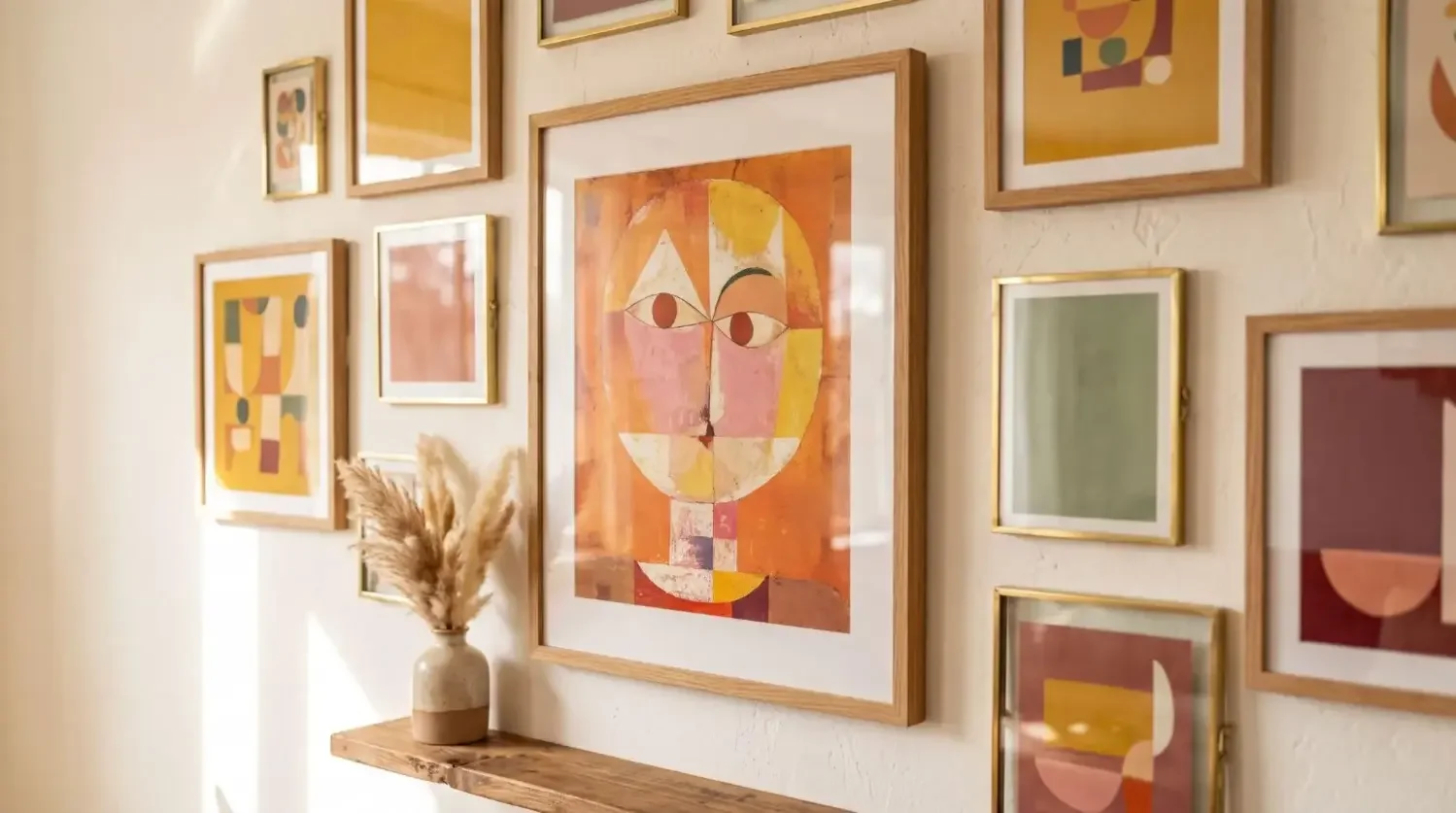
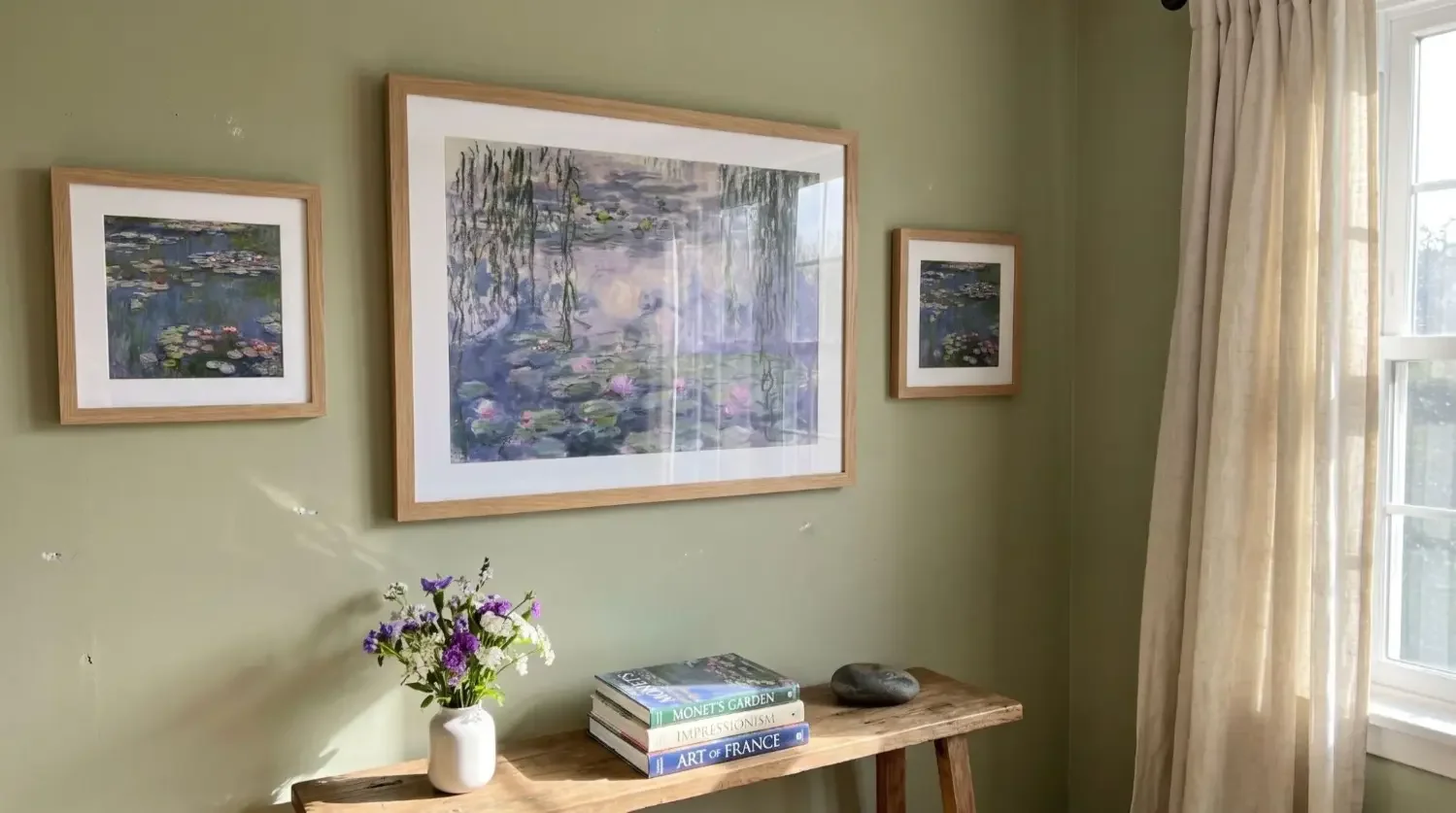
Turn your favorite spreads into a statement wall. Transform your best photos into high-quality canvas prints. Our adhesive frames are lightweight, repositionable, and gentle on paint, making it easy to create a stunning display.
How can captions and prompts elevate your pages?
Short, specific lines anchor your stories, help readers scan, and make your book feel like a guided tour, not a silent gallery.
Keep it short, specific, and scannable
Use these prompts to write fast:
- Answer who, where, and when in one line;
- Add one sentence of context, for example We got lost and found the best dumplings;
- Use prompts like Best bite, Soundtrack of the day, What we learned;
- Quote a travel partner or family member for voice and charm.
Can your photo book inspire a gallery wall with Mixtiles?
Yes. Translate your best page ideas into adhesive, restickable tiles for a clean, nail‑free display you can update anytime.

From page to wall: easy translations
3 quick gallery recipes
|
Photo Book Page Idea |
Mixtiles Wall Layout |
Suggested Sizes |
|---|---|---|
|
Travel four‑square best bites |
Row of 4 tiles above a console |
4 tiles, 8 × 8 in, 21.35 × 21.35 cm |
|
Family hero plus candids |
Center hero tile flanked by 6 small tiles |
1 tile at 12.44 × 12.44 in, 31.6 × 31.6 cm, plus 6 at 8.4 × 8.4 in |
|
Pet expression 3 × 2 grid |
Symmetric 3 by 2 grid in a hallway |
6 tiles, 8.4 × 8.4 in, 21.35 × 21.35 cm |

A beautiful book is not about complex software. It is about simple, consistent photo book page ideas that let your stories breathe. Use this guide to make a travel photo book, a family album, or a wedding coffee table keepsake, then bring the best of your book to your walls with Mixtiles. Our lightweight, adhesive frames make it easy to refresh your design as new photos and ideas appear.
Design a wall you will love to update. Open the Mixtiles app to create stunning gallery walls in minutes. Choose your favorite photos, arrange your photo tiles, and enjoy a beautiful display with no nails, no measuring, and no stress.
Frequently Asked Questions
What layout mistakes should I avoid in a photo book?
Crowding pages, inconsistent margins or fonts, and changing layouts on every spread break flow. Avoid low-resolution files and muddy color mixes. Keep one clear hero per spread, watch safe margins near the trim, limit text, and group screenshots or outtakes in small grids, not as full-bleed images.
How many pages and photos per page work best?
Most books feel balanced at 40 to 80 pages, enough room for highlights without fatigue. Plan for 1 to 4 photos per page. Use full-bleed singles for heroes, duos for moments, and grids for details. Start lean, then add pages once your selects and captions are set.
Which photo book themes never fail?
Reliable themes include travel stories, year in review, family and kids, weddings and events, and pets. You can also spotlight a home renovation, a new baby, or a single destination. Choose chronological or themed sections so your captions, layouts, and colors stay consistent from cover to close.
What is the simplest way to plan a photo book layout?
Start with a simple story arc, then build a toolkit of 3 to 5 repeatable templates. Mix full-bleed heroes with duos and neat 4 or 6 image grids. Keep margins, type, and caption placement consistent. Edit tightly, and flow from wide scenes to details to people.


Be the first to know — deals, news & decor ideas.
By clicking you agree to the Terms of Use & Privacy Policy